Need Help navigating the account setup process?
(855) 240-1272
Monday - Friday 8:00am - 9:00pm EST
Our team is here to assist you in:
- Gaining access to online banking or our mobile app
- Resetting your login credentials
- Navigating the initial enrollment process
NOTICE: Zelle & External Transfers are coming back soon!
- Zelle: Estimated return as early as 11/02/2026
- External Transfers: Estimated return as early as 11/19/2026
Thank you for your patience as these services come back online.
we've upgraded to serve you better
We’ve made important improvements to enhance your banking experience. Here’s everything you need to know now that our system conversion is complete.
conversion date: Tuesday, september 1, 2026
here's what you need to do to access your accounts:
Beginning at 12 noon on September 2, 2026, you’ll need to complete a few simple steps to access your digital banking services.
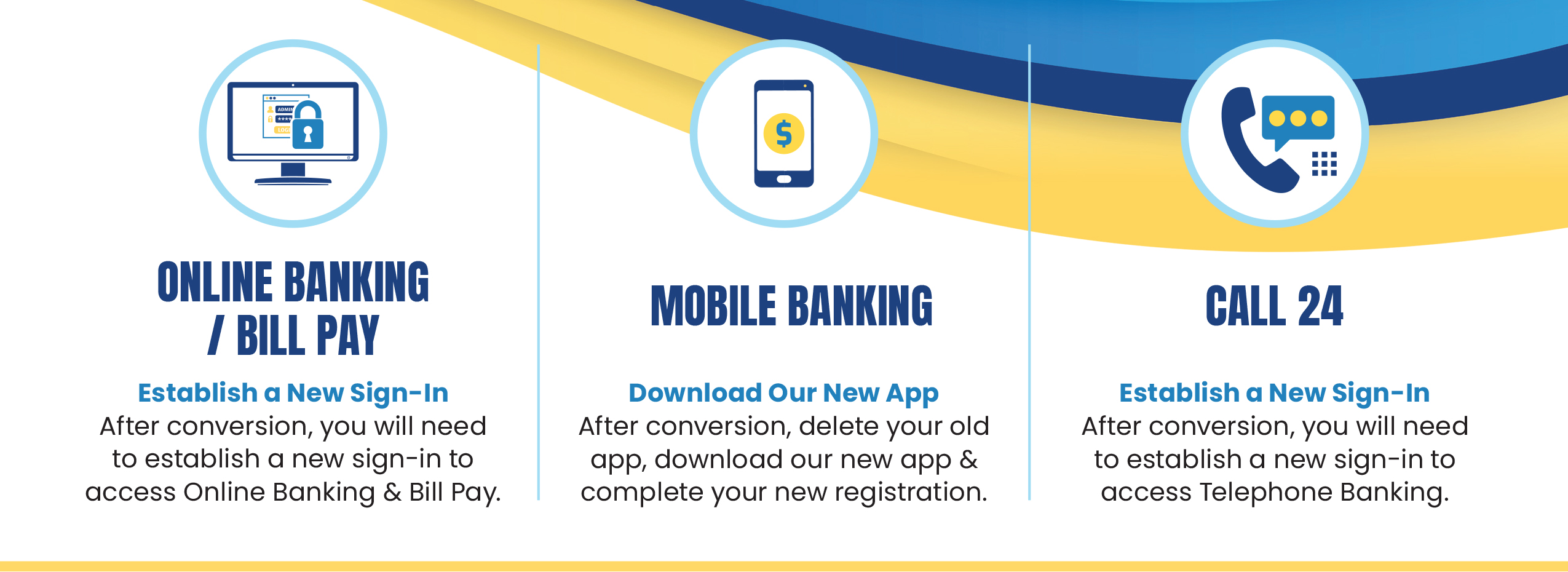
STEP #1: ONLINE BANKING
Establish New Sign-In
After the conversion, you’ll need to establish a new sign-in before accessing Online Banking. Simply log into our Online Banking platform and complete the following steps:
Part 1
Click “Enroll in Online Banking” on the login screen.
Verify reCAPTCHA by clicking “I’m not a robot."
Enter the following information:
- Your member account number (EXAMPLE: ONLY BASE NUMBER "12345" DO NOT ENTER "10000123451002" or any other digits "1234580" at the end)
- PIN (which is the last 4 digits of your SSN.)
- Enter your full Social Security Number
Enter the verification code that was sent to the email address on file.
Enter the following information:
- Create your NEW User ID
- Create a New secure code password
- Confirm your new password
Part 1 of the enrollment is complete!
Part 2
Return to the login screen and sign in with your New credentials.
Enter or Select your phone number for verification.
Enter the verification code that was sent.
Part 2 of the enrollment is complete!
STEP #2: mobile banking
Download & Register the New App
After the conversion, you’ll need to download our new Mobile Banking App before accessing your accounts. (Search "FWCCU" in Google Play or the Apple App Store or click the below.)


Once the app is installed, complete the following steps:
If You Already Completed STEP #1 & Registered for Online Banking:
- Sign in Using Your New Online Banking Credentials
- Complete Multi-Factor Authentication
If You did not Complete STEP #1 - Register for Online Banking:
Part 1
Click “Enroll Now” on the mobile app login screen.
Verify reCAPTCHA by clicking “I’m not a robot."
Enter the following information:
- Your member account number (EXAMPLE: ONLY BASE NUMBER "12345" DO NOT ENTER "10000123451002" or any other digits "1234580" at the end)
- PIN (which is the last 4 digits of your SSN.)
- Enter your full Social Security Number
Enter the verification code that was sent to the email address on file.
Enter the following information:
- Create your NEW User ID
- Create a New secure code password
- Confirm your new password
Part 1 of the enrollment is complete!
Part 2
Return to the login screen and sign in with your New credentials.
Enter or Select your phone number for verification.
Enter the verification code that was sent.
Part 2 of the enrollment is complete!
STEP #3: call 24 telephone banking
Establish New Sign-In by dialing (833) 990-0250
After the conversion, you’ll need to establish a new sign-in before using Call 24 Telephone Banking. Simply access Call 24 and complete the following steps:
- Enter Your 5-Digit Account Number
- Enter Your Temporary PIN (last 4 of your SSN)
- Create a New PIN
Enrollment is complete!
STEP #4: bill pay
Re-Add Your Bill Pay Information
After the conversion, your existing Bill Pay payees and scheduled payments will not transfer to the new system. To continue using Bill Pay, you’ll need to complete the following steps:
- Enter Each Payee’s Payment Information
- Recreate Any Recurring Payments
- Verify Upcoming Payment Dates
what isn't changing:
- Your accounts and account numbers remain the same.
- Your money is safe.
- Direct Deposits will continue as normal.
- Automatic Payments & Payroll Deduction will continue as normal.
- Debit/Credit Cards will continue working.
- Your local staff is here to answer any questions.
frequently asked questions: